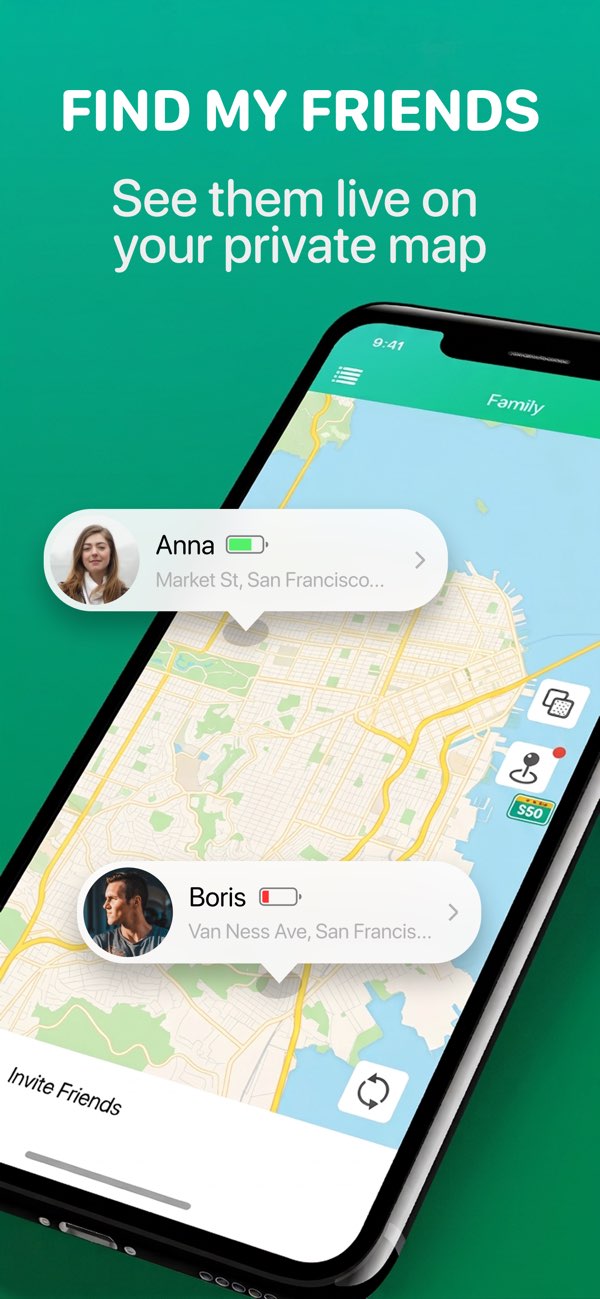
Family Safety
Find My Friends · Family Phone
An iPhone app focused on family location sharing, routine check-ins, and consent-based daily coordination.
- Daily family check-ins
- Meetups and arrival awareness
- Official support path
Official Download Hub
This page is built for visitors who already know they want the official App Store links. Compare the apps quickly, pick the right use case, and move straight into the install flow.
App Store Downloads
The page keeps the install action and the trust-building product page together so users can decide fast without losing confidence.
Family Safety
An iPhone app focused on family location sharing, routine check-ins, and consent-based daily coordination.

Location Coordination
A locator and tracker utility for trusted contact coordination on iPhone.

Decision Helper
A spin wheel and random picker app for fast decisions on iPhone.
Choose by Goal
This section helps visitors who know they want an app, but still need the fastest route to the right one.
Family Routines
Best for family location sharing, routine coordination, and trusted visibility around arrivals and check-ins.
Locator Workflow
Best for users searching for a locator or tracker utility and wanting a cleaner coordination-focused download page.
Random Choice
Best for decision-maker, wheel spinner, and random picker intent on iPhone.
Install Flow
Users often need a little more than a button. These steps show the shortest official path.
Use family safety, locator/tracker, or spin wheel intent to pick the best fit immediately.
Open the matching product page if the user wants more context, support, or policy links before download.
Every product keeps the App Store action near the top so the install can happen without extra navigation.
Popular Search Pages
These long-tail routes help users who searched for a very specific app problem land closer to the right product.
Official ICSR Tech LLC page for family locator app searches on iPhone, with direct routes to Find My Friends and Together.
Official ICSR Tech LLC page for users searching for a location sharing app on iPhone, with a direct route to Find My Friends · Family Phone.
Compare official family location sharing and family locator app pages from ICSR Tech LLC and choose the right App Store download.
Official ICSR Tech LLC landing page for users searching for a family phone tracker or family locator app on iPhone.
Official route for users searching for a locator and tracker app on iPhone, with direct links to Together - Locator & Tracker.
Official ICSR Tech LLC page for spin wheel, random picker, and decision maker app searches on iPhone.
Official ICSR Tech LLC landing page for users searching for a wheel spinner app on iPhone, with direct links to Decisio - Spin the Wheel.
Official ICSR Tech LLC page for users searching for a random decision maker app on iPhone, with direct routes to Decisio - Spin the Wheel.
Language Support
Language hubs and product-language pages now feed the same download journey instead of acting as thin standalone pages.
Open a language hub before download
FAQ
These short answers remove uncertainty around official status, product choice, and language support.
Use the download hub to compare all three apps, open the matching product pages, and go directly to the official App Store listings.
The page groups the apps by job to be done so users can choose family safety, locator workflow, or decision helper intent before they download.
Yes. The download hub links to 16 language hubs and the localized product pages connected to each app.
Need a specific route?
Family safety searches can go to the comparison page, while spin wheel and random picker traffic can go directly to the decision-helper page.